
The Best IPTV Subscription for IPTV Smarters Pro Users
Compatible with IPTV Smarters Pro, a third-party app we don't publish.
One login for your player app, from $11.99 a month. Paid once, nothing renews, every price in US dollars.
Browse the plansChat With Us on WhatsApp
- Refund rule in writing, 7 days
- No automatic renewal
- Cards, PayPal, crypto, gift card
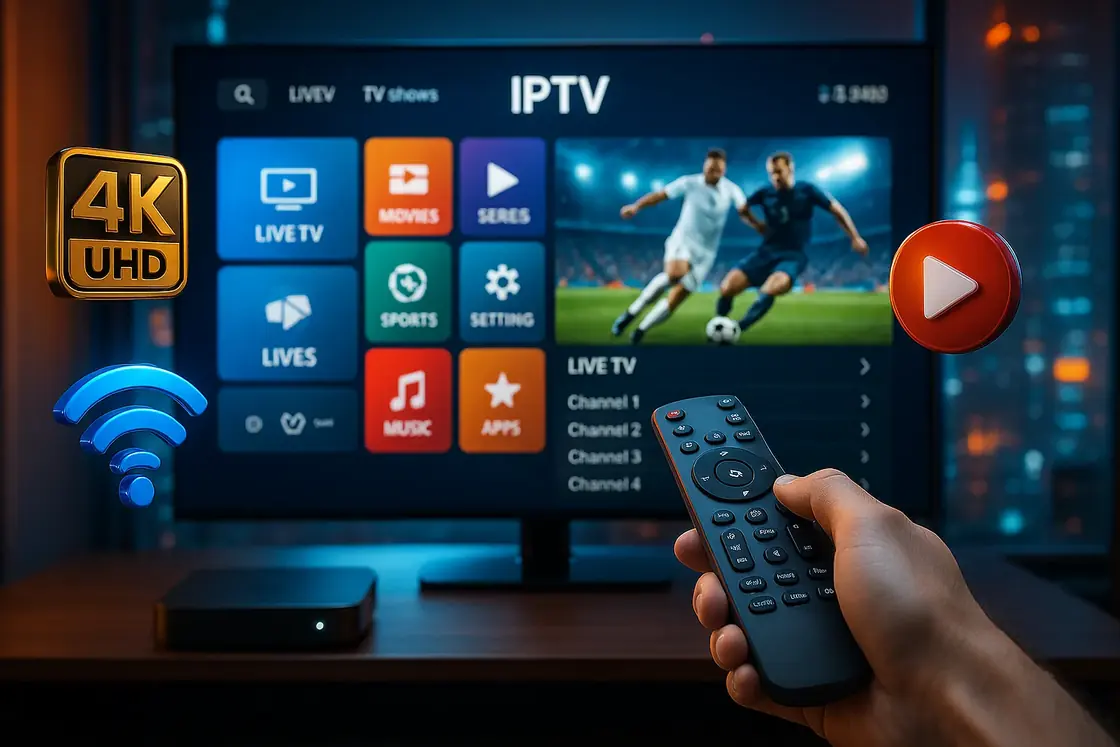
How to pick a plan
Four questions settle it. A month is a good way to try a plan at home; a year costs less per month. The refund policy is written down, and our 8-point guide goes through the rest.
Your TV shows 4K
Take Flagship 4K. Its 4K sources play at full resolution, and it lists the most live channels of the three.
Flagship 4K, from $28.97You watch more shows than live TV
Take Choice. With 61,000+ TV shows it has the biggest series library we sell, for less than the 4K plan.
Choice, from $18.98You want the lowest price
Take Value. Live channels first, a smaller on-demand shelf, and the cheapest month to test your TV with.
Value, from $11.99Several people watch at once
Take a household plan: the same lineup on 2 to 5 screens at the same time, for 12 months, on one bill.
Household plans, from $80.99Plans
Every plan here is one login for one screen, for 1, 3, 6 or 12 months. Open a plan to pick the length and see the exact price.
One screen at a time
Value
The lowest price to get started
from $11.99
1 to 12 months, 1 screen
- 20,000+ live channels
- 24,000+ TV shows
- 100,000+ movies
One screen at a time
Choice
The biggest TV show library
from $18.98
1 to 12 months, 1 screen
- 27,000+ live channels
- 61,000+ TV shows
- 155,000+ movies
One screen at a time, 4K on the titles offered in 4K
Flagship 4K
For 4K TVs, and the most live channels
from $28.97
1 to 12 months, 1 screen
- 57,000+ live channels
- 47,000+ TV shows
- 179,000+ movies
Household plans
One plan, 12 months, and 2 to 5 screens playing at the same time: the living-room TV, a stick in the bedroom, a phone on the go. Pick a row to open the plan with that number of screens already chosen.
2 to 5 screens at once
Value Household
The Value lineup on every screen
from $80.99
2 to 5 screens, 12 months
2 to 5 simultaneous connections, depending on the plan you pick
- 20,000+ live channels
- 24,000+ TV shows
- 100,000+ movies
2 to 5 screens at once
Choice Household
The Choice show library, shared
from $115.98
2 to 5 screens, 12 months
2 to 5 simultaneous connections, depending on the plan you pick
- 27,000+ live channels
- 61,000+ TV shows
- 155,000+ movies
2 to 5 screens at once
Flagship 4K Household
For homes with more than one 4K screen
from $138.97
2 to 5 screens, 12 months
2 to 5 simultaneous connections, depending on the plan you pick
- 57,000+ live channels
- 47,000+ TV shows
- 179,000+ movies
Prices by length and screen count
US dollars, total price for the whole period
| Length and screens | Value | Choice | Flagship 4K |
|---|---|---|---|
| One screen | Value plan | Choice plan | Flagship 4K plan |
| 1 month | $11.99 | $18.98 | $28.97 |
| 3 months | $22.99 | $35.98 | $51.97 |
| 6 months | $34.99 | $58.98 | $74.97 |
| 12 months | $52.99 | $81.98 | $103.97 |
| Household, 12 months | Value Household | Choice Household | Flagship 4K Household |
| 2 screens | $80.99 | $115.98 | $138.97 |
| 3 screens | $103.99 | $150.98 | $184.97 |
| 4 screens | $128.99 | $184.98 | $231.97 |
| 5 screens | $151.99 | $219.98 | $277.97 |
Ways to pay
- Visa, Mastercard, American Express or Discover
- PayPal
- Crypto (Bitcoin, USDT)
- Gift card
Paid once, up front. The terms of sale cover payment, activation and the end of a plan.

What's included
What the login gives you in practice.

Live channels from the US and abroad
News, sports, entertainment and kids' channels, grouped by country and category in the app's live section. Lineups change over time, and each channel airs what its own broadcast rights allow.

Movies and TV shows on demand
A library you browse like a streaming app, sorted by genre. Its size depends on the plan: from 100,000+ movies on Value to 179,000+ on Flagship 4K.
A TV guide for live channels
The program guide loads with your login, so the app shows what is on now and what comes next on each channel.
4K titles on Flagship 4K
Picture quality follows the source: each channel and title plays at the resolution it is sent in. The ones offered in 4K play in 4K on the Flagship 4K plan.
Sports, news and movies in one plan
Games are on the channels that hold their rights, next to the news and the movie channels. No league, network or studio stands behind bestiptvsmarters.club, and we don't speak for any of them.
Setup help on WhatsApp
Tell us which device you watch on and we walk you through signing in, step by step, in the same chat you ordered from.
On the on-demand shelf
Films, series, fight nights and race weekends appear as posters you browse by genre, the way a streaming app lays them out. New releases sit at the top of the shelf, and the size of the library follows the plan you pick.











Hover over the shelf, or tap it on a phone, to pause it. Titles and posters belong to their studios and leagues; they are shown here as a sample of the on-demand catalog and its sports events.
Setup
Three steps from the plan page to the first channel.
Choose a plan and pay
Open a plan, pick the length or the number of screens and press Get my login. The order form opens with that plan ticked; once you confirm, WhatsApp opens with your order and the payment is settled in the chat: card, PayPal, crypto or gift card.
Get your login details
You receive a username, a password and a server address. Keep the three together, because the app asks for all of them.
Sign in with Xtream Codes
In the app, add a user and choose Login with Xtream Codes API. Type any name you like, then the username, password and server URL exactly as sent, with no extra spaces. Channels, movies and the TV guide load after the first sign-in.
IPTV Smarters Pro is a third-party player that you can download for free on most devices. It has no channels of its own. We did not make it and have no link with its developer: we sell the subscription you sign in with. What the subscription costs, explained.
Devices
Your login works in IPTV Smarters Pro and in other players that accept an Xtream Codes login. One single-screen plan plays on one device at a time; a household plan covers 2 to 5 at once.





- Amazon Fire TV Stick and Fire TV
- Android TV and Google TV
- Samsung and LG smart TVs
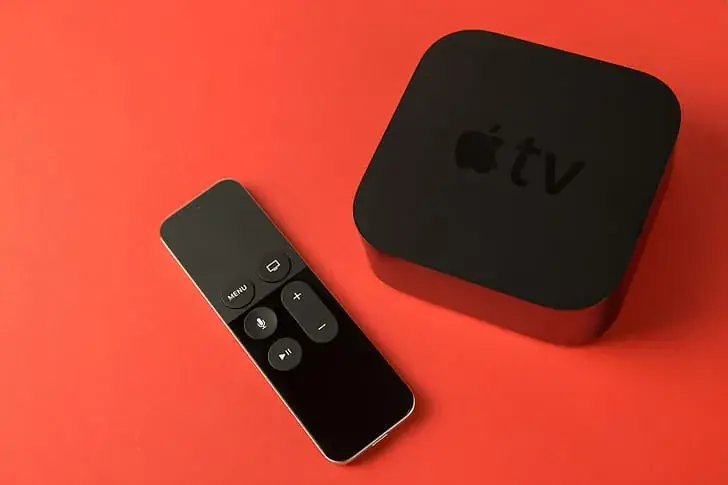
- Apple TV
- iPhone and Android phones
- iPad and Android tablets
- Windows and Mac computers
Amazon Fire TV Stick and Fire TV. Install a player app on the stick, sign in with your login, and the channels appear in the app's live section. Pair a Fire TV Stick 4K with Flagship 4K if you want 4K on the big screen.
Samsung, LG, Android TV and Apple TV. Android TV and Google TV sets install player apps from the Play Store, and Apple TV from the App Store. On Samsung and LG smart TVs, the apps on offer depend on the model and the country, so send us your TV model and we tell you which player to use.
iPhone, iPad and Android phones. Player apps are in the App Store and on Google Play. A phone also makes a handy second screen on a household plan.
Quick fixes
Four problems people run into once a login is working, and what to try first. If the trouble stays, describe what you see from the contact page and we pick it up from there.
It buffers in the evening
Evenings are when home networks are busiest. Restart the router, connect the TV or stick with a network cable or move it closer, and pause big downloads on other devices. If a single channel stalls while the rest play, the fault is that channel, so tell us its name.
Sound plays, the picture stays black
Change channel and come back. If the picture is still black, pick a different built-in player in the app's settings, then check for an app update. Both are worth trying before anything else.
The TV guide is empty
The guide downloads after you sign in and can take a few minutes the first time. If it stays blank, reload it from the app, and check that the device shows the right date and time zone.
It played yesterday and not today
Look at the plan's end date in the app's account details, since nothing renews by itself. Then count the screens playing at once: a login open on more devices than the plan allows is turned away. If neither fits, write to us with what the screen says.
If support cannot get it working within 7 days of activation, the refund policy applies.
Two guides before you buy
The questions people search for before they subscribe, answered with our own prices and rules.
 Guide
GuideHow much an IPTV Smarters Pro subscription costs
The app is free; the login is what you pay for. Every price from one month to a year, the per-month math, and what makes one seller dearer than another.
Read the guide Guide
GuideHow to choose the best IPTV subscription
Eight checks that sort the sellers in ten minutes, four red flags, and how our three plans answer each check.
Read the guideQuestions
How much is a 12-month plan?
For one screen, $52.99 on Value, $81.98 on Choice and $103.97 on Flagship 4K. Household plans for 2 to 5 screens start at $80.99 for 12 months. All other lengths are in the price table under the plans.
What does a subscription for IPTV Smarters Pro cost per month?
A single month costs $11.99 on Value, $18.98 on Choice and $28.97 on Flagship 4K. On a 12-month plan the same login comes to about $4.42, $6.83 and $8.66 a month. The cost guide has the full math.
Do I need to pay for the app itself?
No. The player app is free to download on most devices and plays nothing on its own. The subscription is the login you type into it, and that is what you buy here.
Which devices does it work on?
Fire TV Stick, Android TV and Google TV, Samsung and LG smart TVs, Apple TV, iPhone, iPad, Android phones and tablets, and computers, in any player app that accepts an Xtream Codes login. A single-screen plan plays on one device at a time.
How many screens can play at the same time?
One on a single-screen plan. Two to five on a household plan, which counts the devices streaming right now, not the devices you signed in on. Pick the number when you open a household plan.
Which payment methods do you take?
By card (Visa, Mastercard, American Express, Discover), PayPal, crypto (Bitcoin, USDT) or gift card, paid once at the start. The payment is settled in the WhatsApp chat that opens after you confirm the order.
Can I get a refund?
Yes, within 7 days of activation if the service does not work and support cannot fix it. The refund policy has the details.
What happens at the end of my plan?
Channels stop loading, because nothing renews by itself and nothing is charged. To keep watching, place a new order and mention your current login.
Ready to order?
Pick a plan below, or message us on WhatsApp first if you want help choosing.
Get my loginChat With Us on WhatsApp
Already sure of the plan and the length? Go straight to the order form and pick it there.